NSFW Streaming Setup Guide for Adult Content Creators in 2026
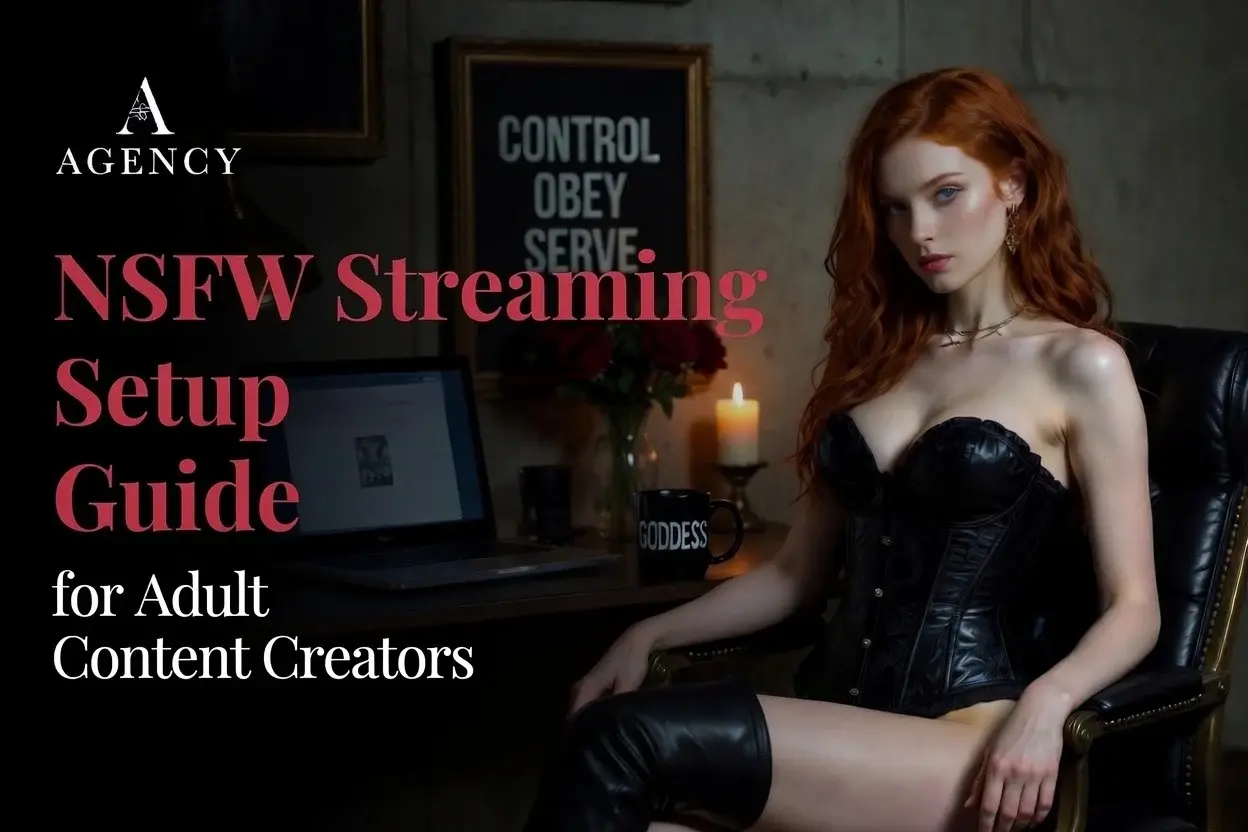
Most NSFW streaming setup guides on the internet were written for gamer streamers and copy-pasted onto adult topics. The actual working operator build is different. Skip the dual-PC rig and the capture cards. Invest in lighting, toy integration, and a built set. Those are the three pieces that decide whether your stream looks amateur or working tier in the first five seconds.
Quick answer: A working NSFW streaming setup in 2026 needs nine things: a 1080p webcam, three-point lighting, a USB dynamic mic, a basic computer (no gaming PC required), a wired ethernet connection of at least 10 Mbps upload, OBS Studio or platform-native software, a tip-activated toy for tip-driven platforms, a defined backdrop with props, and a wardrobe library. Most generic streaming guides skip the last three. Those last three are what separate a working stream from a hobby stream.
Related reading: This gear-focused build sits inside the bigger guide to becoming a webcam model, and the room-and-workflow side is covered in the professional cam streaming setup guide. If you would rather have your rig specced and your platforms onboarded by people who have built every tier, our studio representation handles the operational side.
The internet is full of streaming setup guides written for gamer streamers and copy-pasted onto NSFW topics. They tell you to build a dual-PC rig with a capture card for console streaming. They recommend Stream Decks and green screens and gaming GPUs. None of that is the NSFW streaming setup you actually need.
NSFW cam work is solo-camera live performance. The hardware demands are modest. The wardrobe and set-design demands are heavy. The toy integration and lighting demands are where most operators underbuild and where most income gets left on the floor. What follows is the working operator build, piece by piece, in the order I would buy them.
Camera: what to buy
A 1080p webcam under good lighting will outperform a 4K camera under bad lighting every time. Do not overspend here until your lighting is dialed in.
Starter ($60 to $200). A name-brand 1080p webcam with autofocus. Logitech, OBSBOT, and Razer all make solid entry-level options. Plug-and-play with any streaming software.
Premium ($200 to $500). An Elgato Facecam or equivalent premium webcam. Sharper sensor, better low-light, dedicated camera controls.
Pro ($500 and up). A mirrorless camera (Sony ZV-E10, Canon R50, equivalent) with a clean HDMI output and a capture card. Worth the complexity only if you have specifically outgrown the webcam.
Skip the on-camera webcam mic. Always. The on-board mic on any webcam is a fallback, not a working tool.
Lighting: the highest-ROI upgrade you will ever make
If you spend one dollar on this setup, spend it here. A $200 lighting kit will make a $60 webcam look more professional than a $500 webcam under bad lighting.
Key light. Main source, placed at a 45-degree angle to your face, slightly above eye level. Soft-diffused. A softbox-modified key light is the working standard.
Fill light. Half the intensity of your key, opposite side, softens shadows. For Goddess work, run the fill at quarter intensity for moodier framing.
Rim or hair light. Behind you, separating you from the background. The upgrade most setup guides forget. Without it your set reads flat.
Accent light. RGB programmable, behind the set, lights the backdrop in deep red, purple, or amber for mood.
Skip the overhead ceiling light. Turn it off during streams. Hard nose shadows age every face on camera.
Microphone: do not stream with a laptop mic
Bad audio loses viewers faster than bad video. The fix is cheap. A USB dynamic mic like the Samson Q2U or Audio-Technica ATR2100x rejects room sound, picks up close speech well, costs under $100, and is plug-and-play. A Shure MV7 is the premium step up with both USB and XLR. Always add a pop filter to eliminate the breath plosives that pull viewers out of a breathy or command-voice scene. Always position the mic 6 to 8 inches from your mouth, just below the camera frame, on a boom arm. Skip condenser mics like the Blue Yeti unless you have a treated room. Condensers pick up the air conditioner, the fan, and the neighbor's dog.
Computer, internet, and software
NSFW cam streaming does not need a high-end gaming computer. A modern Mac (any M1 or newer) or a mid-range PC with an i5/Ryzen 5 and 8 to 16 GB RAM handles it perfectly. The streaming workload is light because there is no game to render alongside the encoder. A dual-monitor setup (one for the platform and chat, one for OBS and camera preview) is worth it. Skip the dual-PC rig.
For internet, run ethernet, not WiFi. A dropped private is a refunded private. Minimum upload speed is 5 Mbps for 720p, 10 Mbps for 1080p, 25 Mbps for 4K. Verify with a speed test from your stream computer, not your phone. Have a backup connection (phone hotspot) for when the main line drops. Avoid VPNs during streams because some adult platforms ban VPN connections and a flagged session can suspend your account.
For software, OBS Studio is the standard. Free, open-source, works with every adult platform that supports RTMP. Required if you multistream to Stripchat and Chaturbate at the same time. Platform-native broadcast tools (LiveJasmin, Streamate) are fine if you only stream on one platform.
Toy integration: the income engine on tip-driven platforms
This is the piece most setup guides skip because they were written for gamer streamers. For NSFW cam work, a tip-activated toy is the difference between a $50 tip night and a $500 tip night on platforms like Stripchat and Chaturbate.
Lovense (Lush, Hush, or equivalent) is the industry standard for tip-activated vibrators and plugs and integrates directly with most major cam platforms. OhMiBod and Kiiroo are other vendors with similar functionality. Lovense Connect or equivalent bridge software is required to route tips into toy activation. Free, runs alongside OBS. Set up tip thresholds and patterns inside the platform's interface so viewers see exactly what each tip amount triggers. For non-tip platforms like LiveJasmin private shows, a toy is still useful for the private show experience, but the income economics are different. The private rate is set, the toy is for engagement.
Set and backdrop: do not stream in a bedroom corner
The audience sees your set before they hear your voice. A bedroom corner with a laundry pile in frame says amateur. A defined set with intentional props says working professional.
Backdrop. A clean colored wall, velvet or leather hanging, custom printed backdrop. Avoid anything domestic or busy.
Depth. Pull the camera back enough to show three feet between you and the backdrop. Flat backdrops read amateur. Backdrops with depth read professional.
Props. One or two intentional props in frame. A high-back chair, a riding crop on a shelf, a collar on a hook. Reads as deliberate.
Color story. Set, wardrobe, and accent lighting should agree on a palette. Black, deep red, deep purple, and gold are the Goddess defaults.
Skip the green screen unless you have a specific reason to use one and the lighting plan to do it right.
Wardrobe library: the asset most operators underbuild
Wardrobe is gear. The streamers who win on cam are the ones who never look the same twice. A library of 10 to 15 working outfits is the starter asset. The pros run 50-plus. Starter library: three lingerie sets, two latex or leather pieces, two corsets, one swimsuit, one schoolgirl-style, one nurse-style, one office-style. Rotate. Add a wig collection of two to four high-quality wigs in different colors and styles for show variety without committing to permanent hair changes. Add props that double as wardrobe: collars, cuffs, gags, blindfolds, ropes. Both decorative and functional for scene work. Wardrobe is a recurring expense. Set aside 10 percent of monthly earnings for replacements and additions.
| Component | Starter spend | Why it matters |
|---|---|---|
| Camera | $60 to $200 | First impression in the first 3 seconds |
| Lighting | $80 to $300 | Highest-ROI upgrade in the entire setup |
| Microphone | $60 to $150 | Audio is the silent conversion killer |
| Computer | $400 to $1,000 | Basic Mac or PC is enough, no gaming rig required |
| Ethernet internet | Existing line + cable | Wired connection prevents dropped privates |
| Streaming software | $0 (OBS is free) | Multi-output capability for multistreaming |
| Toy integration | $80 to $200 | Income engine on tip-driven platforms |
| Set and backdrop | $50 to $300 | Reads as professional or amateur in seconds |
| Wardrobe library | $100 to $500 starter | Recurring asset, drives session variety |
Frequently Asked Questions
Can I stream from a smartphone?
Yes for some platforms. LiveJasmin and a few others support mobile streaming directly from a phone. The image quality is lower and the camera controls are limited, but it works for keeping a consistent schedule when you travel. It is not a replacement for a desktop setup at home if you want to compete in working-tier income.
What is the best microphone for NSFW streaming?
A USB dynamic mic like the Samson Q2U, Audio-Technica ATR2100x, or Shure MV7 is the working standard. Dynamic mics reject room noise and pick up close speech beautifully. Avoid condenser mics like the Blue Yeti unless you have a treated room.
Do I need a gaming PC for NSFW cam streaming?
No. NSFW cam streaming does not require gaming-tier hardware. A modern Mac or a mid-range PC with an i5/Ryzen 5 and 16 GB RAM handles streaming easily. The dual-PC builds in gamer-streamer guides are not required for cam work.
Do I need a green screen?
No, unless you have a specific reason and the lighting plan to do it right. A built physical set with an intentional backdrop and one or two props reads more professional than a digital background. Most Goddess work looks better against a real velvet or leather backdrop than a chroma key.
How much does a working NSFW streaming setup cost?
A starter setup that earns immediately runs $300 to $500. A working build with three-point lighting, a premium webcam, treated audio, and a built set runs $1,000 to $2,000. A pro studio with multi-camera switching, custom set, and full wardrobe library runs $3,000 to $5,000 and up.
What is the most important upgrade I should make first?
Lighting. Always lighting. A proper three-point setup will improve the look of your stream more than any other single upgrade at any price point. Buy lighting before you buy a better camera. Buy lighting before you buy a better mic.
Where this fits in your training
Specifying the right NSFW streaming setup for your show, your budget, and your platform mix is faster with someone in your corner who has built every tier. Our training program walks new streamers through the gear, the show structure, and the platform onboarding personally. Our agency handles representation across the paid platforms for streamers who want to focus on the show and have the operational side handled.
Both options live on the become a streamer page. Apply if you want a working NSFW setup specced for your show on day one.
- Janie Darling, Founder of Live Cam Agency, June 2026