
Professional Cam Streaming Setup for Goddess Shows in 2026
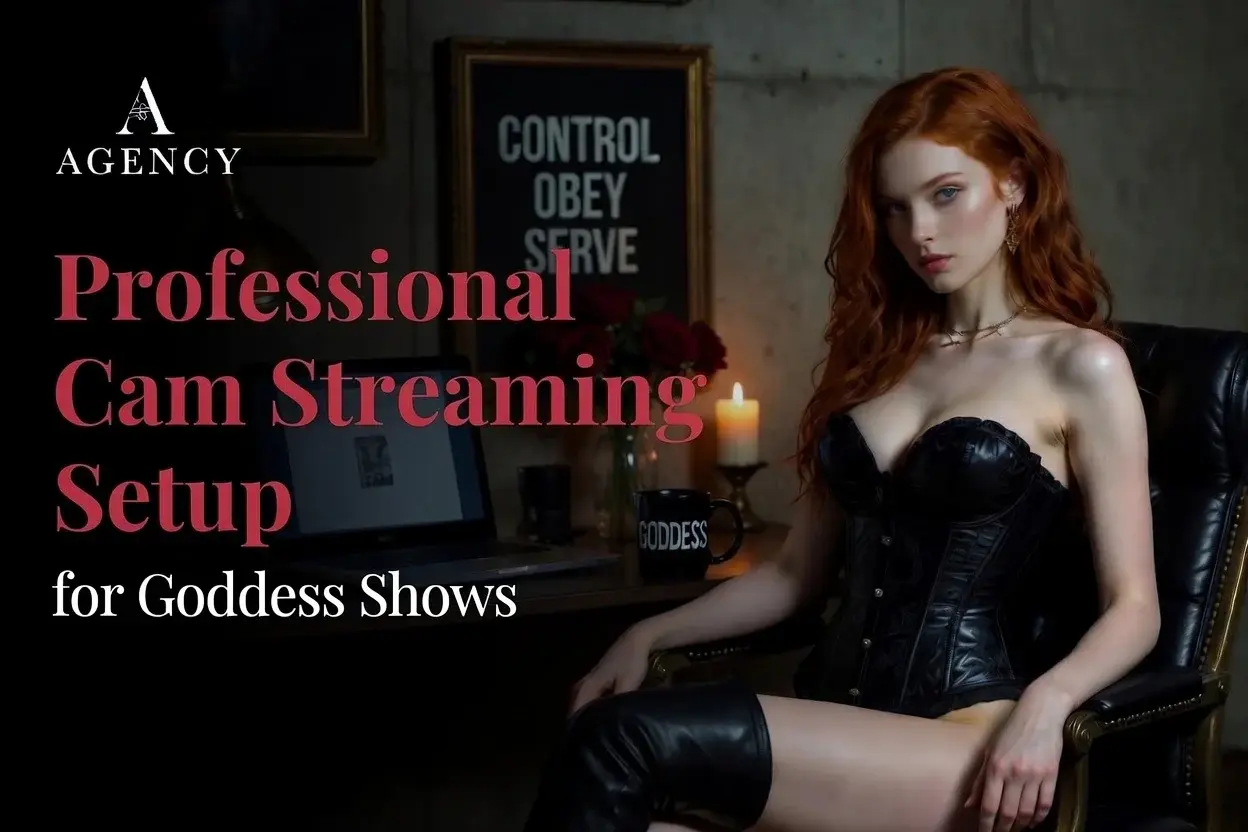
A Goddess show is a production, not a webcam call. A weak setup will kill a strong show. The streamers who look expensive on camera in 2026 are not the ones with the most expensive cameras. They are the ones who understood lighting is the highest-ROI upgrade in the entire setup and spent there first, before anything else.
Quick answer: A working professional cam streaming setup for Goddess shows in 2026 starts at around $300 (1080p webcam, two soft lights, USB mic, simple backdrop) and scales to $5,000-plus for a multi-camera studio with proper three-point lighting and a built set. Lighting is the highest-ROI upgrade. Camera is second. Audio is third. Set design is the fourth and the one most fetish streamers underbuild.
Related reading: If the gear is only one piece of the puzzle for you, my full guide to becoming a webcam model covers the show, the platforms, and the money around it. For the platform-by-platform tech expectations, my NSFW streaming setup guide goes deeper on what each site wants. And when your rig is ready and you want representation, you can apply to the agency directly.
A Goddess show is a production. The technical side of your stream (camera, lighting, audio, set) directly determines how the audience reads your authority within the first three seconds. A weak setup will kill a strong show. A strong setup will not save a weak show, but it will absolutely amplify a working one.
What follows is my honest operator breakdown of what to buy, what to skip, and what order to spend on, whether you are starting at $300 or building a $5,000 studio. The mistakes I see most often come from streamers who spent on the wrong piece first. Get the order right and every dollar buys more income than the one before.
Lighting is the highest-ROI upgrade in your entire setup
If you spend one dollar on this setup, spend it on lighting. A $60 webcam under proper lighting outperforms a $400 webcam under poor lighting every time. The audience does not know your camera model. They know whether you look expensive or not.
Key light. Your main source, placed at a 45-degree angle to your face, slightly above eye level. Soft-diffused, never bare. A 5500K soft panel or a softbox-modified key light is the working standard.
Fill light. Half the intensity of your key, on the opposite side, to soften shadows. For a moody Goddess look, run the fill at one-quarter intensity rather than half, so shadows stay in play.
Rim or hair light. Behind you, aimed at your shoulders and hair, separates you from the background. This is the single upgrade that makes a setup look professional. Skip it and your set reads flat.
Accent or background light. RGB programmable, placed behind you, lights the set itself. For Goddess work, deep reds, purples, and amber set the mood. Avoid blue unless your persona is specifically tech or sci-fi themed.
Skip the overhead room lights. They cast hard nose shadows and make every face look ten years older. Turn off the ceiling fixture in your stream room and rely on your set lighting only. A working-tier lighting kit (key, fill, rim, one accent) lands between $200 and $500 if you buy carefully. That is the single best money you will spend on this entire setup.
Camera: what to buy at each tier
Cameras have improved dramatically in the last two years. A modern 1080p webcam under proper lighting looks better than a 2020-era DSLR with no lighting plan. So do not overspend here until you have the lighting handled.
Starter ($60 to $200). A name-brand 1080p webcam with autofocus. Logitech and OBSBOT both make solid options in this range. Plug-and-play with OBS Studio, no capture card needed.
Working ($200 to $500). A premium webcam such as the Elgato Facecam line. Sharper sensor, better low-light handling, dedicated camera-control software. This is the sweet spot for most working streamers.
Pro ($500 to $1,500). A 4K webcam or a mirrorless camera with a USB-C live feed. The mirrorless route requires a capture card and an HDMI clean-output camera. The image quality jump is real but the setup complexity also jumps.
Studio ($1,500 and up). Multi-camera setup with a hardware switcher or software switching in OBS. Wide shot, close-up, and a top-down angle for prop work. Production value reads as serious money the second the camera switches.
Whatever camera you pick, plug it into a wired internet connection. Not WiFi. A dropped stream is a refunded private. Ethernet to your modem is non-negotiable for working streamers.
Audio is the silent conversion killer
Viewers will forgive slightly soft video. They will leave immediately if your audio is bad. Echo, room hum, hot air conditioner, microphone too far from your mouth, any of those will close the tab in under ten seconds.
The on-camera webcam mic is a fallback, not a working tool. Skip it. A dynamic USB mic for home studios rejects room sound and picks up close speech beautifully. A Samson Q2U or equivalent costs under $80 and outperforms every laptop mic. Position it 6 to 8 inches from your mouth, just below the camera frame, on a boom arm. Add a pop filter to eliminate the breath plosive sounds that pull viewers out of a scene. Avoid condenser mics in untreated rooms. Condensers pick up every detail including your air conditioner, your fan, and your neighbor's dog. They belong in treated booths, not bedrooms.
Set design is the fourth pillar most streamers underbuild
Your background tells the audience who you are before you say a word. For a Goddess show, the set is part of the show. A bedroom corner with a clothes pile in frame says amateur. A deliberate set with intentional props says professional.
A defined backdrop. A clean colored wall, a velvet or leather hanging, or a custom printed backdrop. Avoid anything busy or domestic.
Intentional props in frame. A throne-style chair, a riding crop on a shelf, a collar on a hook. One or two pieces, deliberately placed, reads as deliberate rather than chaotic.
Depth. Pull the camera back enough to show three feet of space between you and the backdrop. Flat backdrops read amateur. Lit backdrops with depth read professional.
Color story. Your set, your wardrobe, and your accent lighting should agree on a color palette. Goddess work tends toward black, deep red, deep purple, and gold accents. Pick three colors and stay in them.
Camera angle. Slightly above eye level looking down for command shots. Slightly below looking up for power shots. Eye level for connection shots. A streamer with three camera positions outperforms a streamer with one.
Skip the green screen unless you have a real reason to use one and a real lighting plan for it. Green-screen color spill is a giveaway that you do not have a working set.
| Tier | Total spend | What it gets you |
|---|---|---|
| Starter | $300 to $500 | 1080p webcam, two soft lights, USB dynamic mic, simple backdrop |
| Working | $500 to $2,000 | Premium webcam, three-point lighting with diffusion, dedicated mic on boom arm, branded set |
| Pro | $2,000 to $5,000 | 4K webcam or mirrorless with capture card, full three-point and accent lighting, treated audio, built set with props |
| Studio | $5,000 and up | Multi-camera switching, RGB programmable lighting, sound-treated room, full custom set |
Frequently Asked Questions
What is the minimum budget for a professional cam streaming setup in 2026?
You can build a working starter setup for $300 to $500. That gets you a 1080p webcam, two soft lights, a USB dynamic mic, and a simple backdrop. It is enough to look polished on camera and pull working income while you reinvest into the next tier.
What is the single best upgrade I can make to my stream?
Lighting. A proper three-point lighting setup will improve the look of your stream more than any other upgrade at any price point. A $200 lighting kit will outperform a $500 camera upgrade if your current lighting is poor.
Do I need a DSLR or mirrorless camera for professional streaming?
No. A premium 4K webcam handles the work for most pro-tier streamers without the complexity of capture cards and clean HDMI output. Move to a mirrorless camera only when you have specifically outgrown the webcam and have a real reason to need shallower depth of field or interchangeable lenses.
What microphone should a beginner Goddess streamer buy?
A USB dynamic mic like the Samson Q2U is the working standard. It rejects room noise, picks up close speech beautifully, and costs under $80. Skip condenser mics unless you have a treated room. Skip laptop mics entirely.
Should I use a green screen?
No, unless you have a specific reason to and the lighting plan to do it right. A built physical set with intentional backdrop and props reads more professional than a green-screen virtual background. Most Goddess work looks better in front of a real backdrop than a digital one.
How much does a multi-camera streaming studio cost?
A multi-camera setup with proper switching, three-point lighting, treated audio, and a built set runs $2,000 to $5,000 for the working pro tier and $5,000 and up for a full studio. Most working streamers do not need this until they are pulling consistent four-figure-per-week income.
Where this fits in your training
A setup is easy to overbuy and easy to underbuild. I have helped new streamers spec the right rig for their budget, their show, and their platform mix more times than I can count. Our training program walks new Goddesses through the build, the show structure, and the platform onboarding personally. Our agency handles representation alongside the gear coaching for streamers who want the operational side handled.
Both options live on the become a streamer page. Apply if you want a working setup specced for your show on day one.
- Janie Darling, Founder of Live Cam Agency, June 2026